Prodex Studio
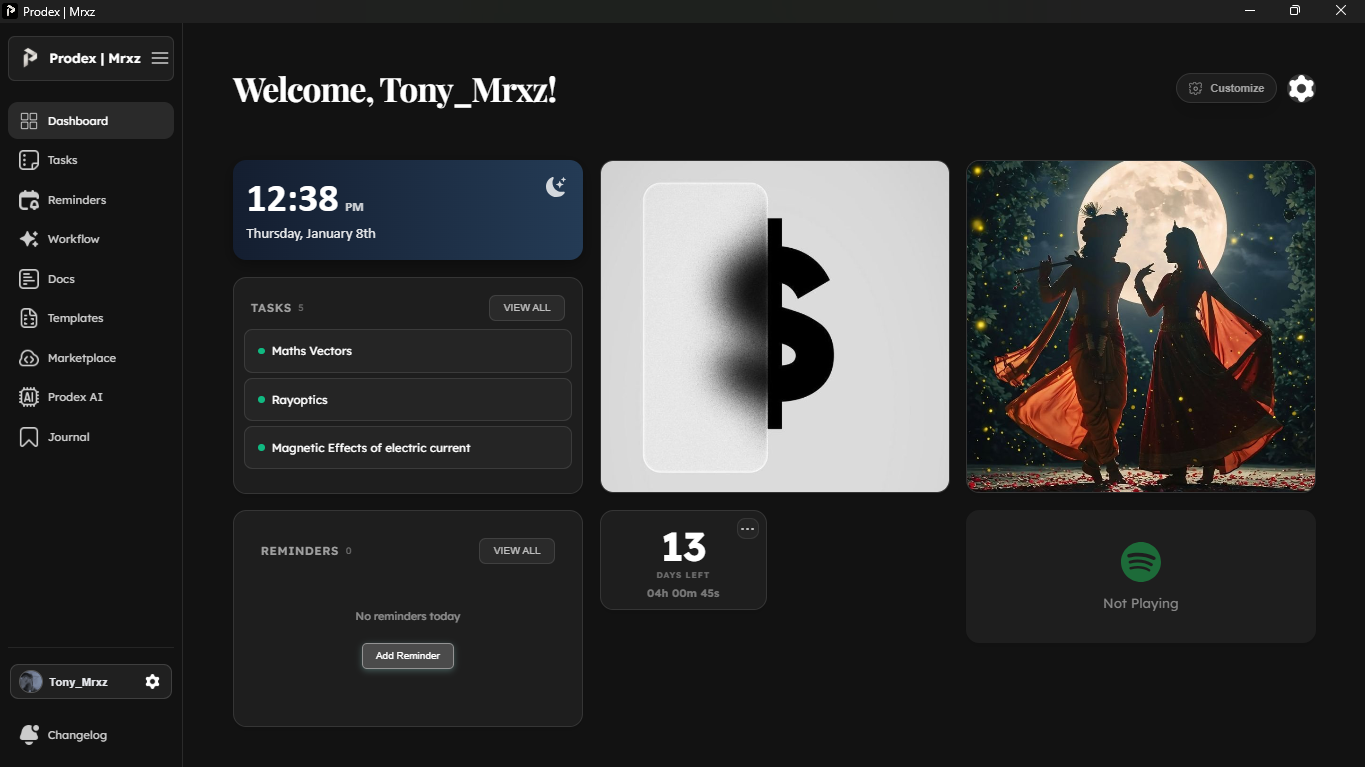
Experience the full power of Prodex on your desktop.
Seamlessly integrated, blazingly fast, and designed for deep work.
System Requirements
Recommended specifications for the best experience.
Download Prodex for Android
Get Prodex on your phone — fast, lightweight, and fully synced with your desktop and web.
Frequently Asked Questions
Everything you need to know about Prodex Studio.
Yes! Prodex Studio offers a generous free tier that includes all essential productivity features like task management, journals, reminders, and expense tracking. Premium plans are available for advanced features and team collaboration.
Click the 'Download for Android' button above to jump to the Android section, then download the APK. Open the downloaded file on your phone and follow the prompts. If your device blocks the install, enable 'Install unknown apps' for your browser/file manager in Android settings.
Simply click the 'Download for Windows' button above to download the installer. Run the downloaded .exe file and follow the installation wizard. Prodex will be ready to use in under a minute!
When you run the installer, Windows SmartScreen may show a 'Windows protected your PC' popup. This happens because Prodex is still in development and hasn't been code-signed yet. Don't worry — the app is completely safe! Simply click 'More info' and then 'Run anyway' to proceed with the installation.
Absolutely! Your data is securely synced across all your devices in real-time. Whether you're using the desktop app or web version, your tasks, journals, and documents stay perfectly in sync.
Prodex Studio is available on Windows and Android. Mac and Linux versions are not available yet, but you can use the web version at app.prodexstudio.in on any platform.
Your privacy is our priority. All data is encrypted both in transit and at rest. We use industry-standard security practices and never share your personal information with third parties.
Yes! Both the Windows desktop app and the Android app support offline mode. You can keep working without an internet connection, and changes will sync automatically when you're back online.